How to Use an AI Mockup Creator for Product Marketing
An AI mockup creator automates the process of turning website URLs into professional device presentations. These tools capture desktop and mobile views, preserve text quality across all languages, and ensure visual consistency. You save hours of manual design work while generatin
Published:
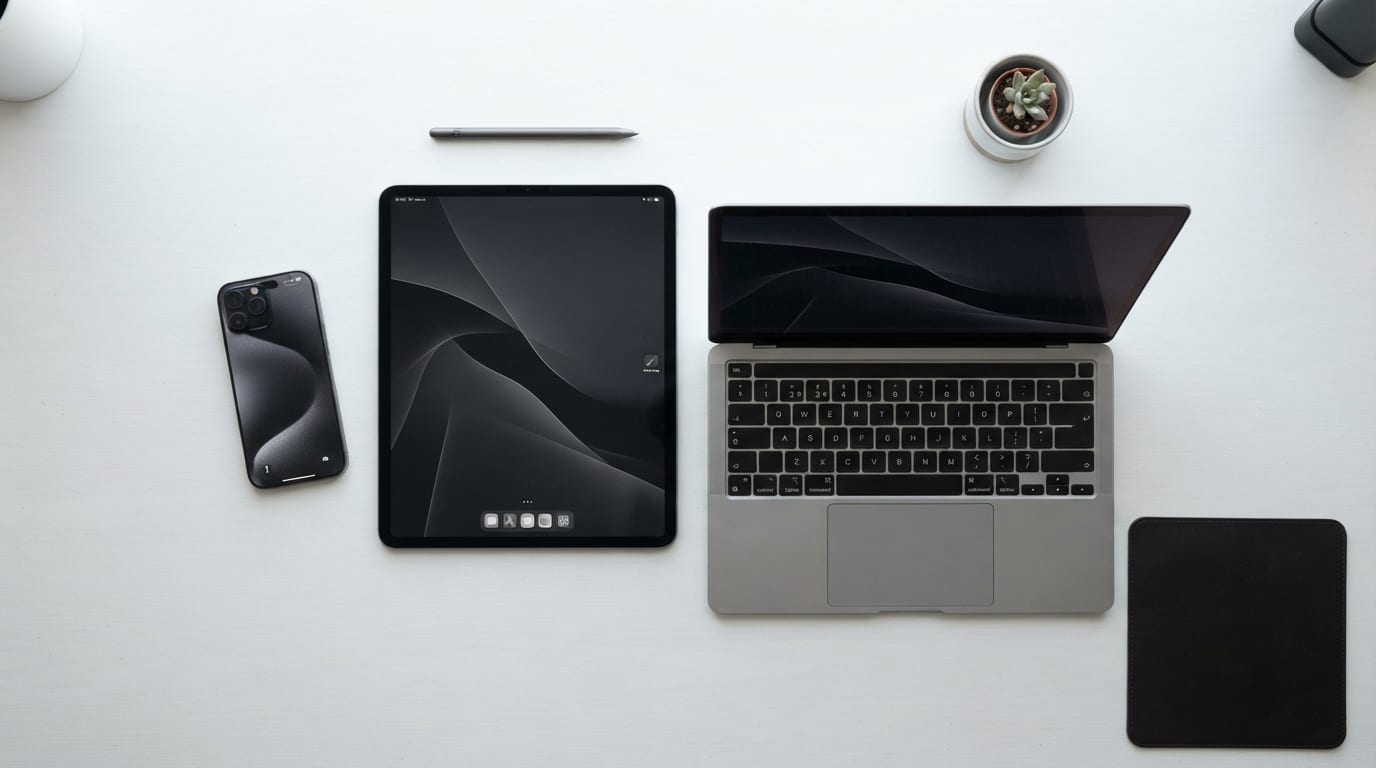
How does an AI mockup creator streamline your visual workflow?
An AI mockup creator automates the transition from raw screenshots to polished promotional assets. You paste a website URL, and the tool instantly generates a complete series of device frames featuring your product. This eliminates manual resizing and ensures a consistent visual language across your entire campaign.
Designers previously spent hours capturing screens, masking layers in Photoshop, and adjusting perspectives. You had to manually fit a desktop screenshot into a laptop frame, then repeat the entire process for mobile views. Automated generation cuts this multi-step process down to seconds.
Product creators need to showcase multiple screen states simultaneously for a product launch. When you use an AI tool, it applies identical lighting and angles to every image in the batch. You never have to worry about one smartphone frame looking slightly tilted compared to the others.
This consistency matters heavily when you build landing pages or pitch decks. A unified visual language tells your audience the product is professional and cohesive. You spend your time designing the actual product interface rather than formatting the promotional materials.
Why is text preservation critical when using an AI mockup creator?
Traditional screenshot tools often fail when you scale them down for a presentation. They compress the image, which blurs small UI elements and distorts your carefully chosen typography. Distorted text ruins the credibility of your localized marketing assets.
If you launch a Japanese version of your app, the complex Kanji characters must remain crisp inside the promotional device frame. Standard image processors often turn dense characters into illegible smudges. You lose the impact of your localized copy when the customer cannot read the screen.
AI-driven tools solve this by processing the actual web page structure rather than just taking a flat picture. They parse the DOM (Document Object Model, the structural code of a web page) to render the text natively before applying the device perspective. Native rendering keeps your text sharp and readable across various device frames and resolutions.
You avoid the common mistake of publishing a beautiful 3D mockup where the actual product interface is illegible. Clear text ensures your marketing message lands exactly as intended.
What technical features should you look for in an AI mockup creator?
You need automated URL-to-mockup conversion for both desktop and mobile views. This feature pulls the live responsive design directly from your site, saving you from manually triggering different screen sizes. Automated capture guarantees your mockups reflect the live product accurately.
Customizable display settings add significant value to your final assets. You want the ability to fine-tune shadows, adjust reflections, and change device angles to match your brand guidelines. Granular display controls help your mockups blend naturally into your specific website background.
A developer building a portfolio site relies on these controls to create a seamless presentation. Without them, the generated images often look like cheap stickers pasted onto the page.
How do you maintain brand consistency across a series of device mockups?
Building a unified visual language means every promotional asset feels like it belongs to the same family. You achieve this by keeping lighting, depth of field, and device placement identical across different screen captures. Consistent lighting prevents your assets from looking disjointed.
Managing multiple device types within a single campaign presents a challenge. A smartphone mockup might look entirely different from a laptop mockup if you generate them in separate batches. You must standardize your settings before you start exporting.
Follow these steps to lock in your visual consistency across a campaign:
- Open your mockup tool settings and select a single lighting environment.
- Apply the exact same camera angle to your smartphone, tablet, and laptop frames.
- Export the entire series as a single batch to prevent accidental parameter changes.
Batch exporting guarantees your shadows fall in the same direction across all your marketing materials. You eliminate the risk of human error that occurs when you adjust settings manually for each device.
What are the common pitfalls when generating mockups with AI?
Many AI tools over-process images, which stands out as the most frequent error in automated design. Some platforms aggressively enhance colors or add artificial reflections, leading to unnatural artifacts or a loss of UI detail. Over-processing makes your digital product look like a cheap plastic toy.
You also risk inconsistent scaling across different device frames. If your mobile interface looks massive compared to your desktop view, the elements appear disproportionate and confuse the viewer. You must verify that the tool respects the actual viewport dimensions of the devices it simulates.
Relying solely on automated output without a final review can harm your presentation. Always check that your brand colors still look right after the AI applies its lighting effects.
A marketer might generate a stunning dark-mode mockup, only to realize the call-to-action button is completely invisible in the final render. You must review the output critically before publishing.
How does an AI mockup creator compare to manual design software?
Generating a full mockup suite via AI takes seconds, whereas building layers manually in design software takes hours. You trade the absolute creative freedom of manual editing for the sheer efficiency of template-based AI automation. Automated tools outperform custom graphic design for high-volume promotional needs.
If you update your app interface weekly, manual updates become impossible to sustain. A designer cannot spend four hours rebuilding marketing assets every time a button changes color.
| Feature | AI Mockup Creator | Manual Design Software |
|---|---|---|
| Production Speed | Seconds per batch | Hours per individual asset |
| Source Capture | Automated via URL | Manual screenshot required |
| Creative Control | Constrained to templates | Unlimited layer manipulation |
Choose manual software for hero images and AI tools for high-volume updates. This hybrid approach maximizes both your creative impact and your team's daily efficiency.
How should designers and marketers budget for AI mockup tools?
Software vendors typically offer two pricing models: credit-based generation and flat-rate monthly subscriptions. Credit models charge you a small fee for each image you render, which suits occasional users who only need assets for a quarterly launch. A credit model prevents you from paying for unused software time.
Monthly subscriptions offer unlimited or high-volume generation for a fixed price. A subscription makes sense if you update your product interface multiple times a month or manage several client accounts.
Automating asset production offers a massive cost-benefit advantage over hiring external design resources. A freelance designer might charge hundreds of dollars for a single device series, while a subscription tool costs a fraction of that amount. Automated tools drastically reduce your cost per marketing asset.
Select your tool based on the frequency of your product updates and the scale of your marketing campaigns. A startup launching a single landing page needs a different budget than an agency managing twenty client portfolios.
What is the future of automated device presentation in product marketing?
Engineers are shifting toward live-data integration for marketing assets. Soon, mockups will update automatically the moment the source URL changes, removing the need to manually regenerate assets. They will use webhooks (automated messages sent between apps when an event happens) to trigger new renders instantly.
We will also see the integration of interactive elements within static mockup series. Viewers might be able to scroll the interface inside the generated device frame directly on your landing page. Interactive mockups will bridge the gap between static images and live demos.
Platforms like Snapset are already setting new standards for efficiency in this space. They combine automated URL capture with high-fidelity rendering to produce studio-grade results instantly.
The future of product marketing relies on tools that eliminate repetitive design tasks. You will spend less time formatting screenshots and more time optimizing your actual product experience.
Frequently Asked Questions
Can an AI mockup creator capture pages behind a login screen?
Most automated URL capture tools cannot bypass authentication walls. You typically need to upload a manual screenshot for private dashboards, though some advanced tools offer browser extensions to capture authenticated states directly.
Do AI mockup tools support custom device frames?
Many platforms focus on standard Apple and Android devices to ensure broad recognition. While some allow custom frame uploads, the automated perspective and lighting features usually work best with the platform's native device library.
How do these tools handle custom web fonts?
High-quality AI mockup creators render the page exactly as a browser would, meaning they load your custom web fonts before capturing the image. This ensures your typography looks identical to the live website.
Are the generated mockups suitable for print marketing?
Yes, provided the tool allows you to export in high resolution. You must check the export settings to ensure the final image meets the standard 300 DPI (dots per inch) requirement for professional printing.